Firmware update
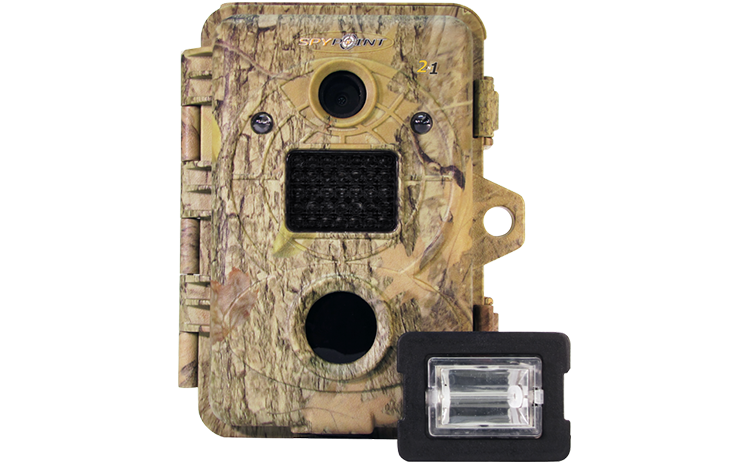
2N1
Invisible LEDs trail camera
- Version: V0.3
- Date: 2013-08-19
- Improvements:
- Improves quality picture at night during multi-shot.
Installation instructions (PC)
- Make sure to use a SD card class 10/U1 up to 32GB.
- Format the SD card on your computer.
- Download the update file from our website
- Open the downloaded .zip file by double-clicking on it.
- Extract the 3 files from the .zip file.
- Copy the 3 extracted files onto the SD card.
- Eject the SD card from the computer.
- Turn the camera off.
- Insert the SD card into the camera.
- Hold down the "MENU" button and turn ON the camera.
- The display will turn on showing the numbers 0000, 0001, 0002...
- When the numbers go back to 0000 and the LCD screen turns off, you may turn off the camera and release the «MENU» button.
- The camera firmware is now up to date.
Installation instructions (MAC)
- Make sure to use a SD card class 10/U1 up to 32GB.
- Format the SD card on your computer (Format:MS-DOS(FAT)).
- Download the update file from our website.
- Double-click on the .zip file.
- Open the camera name folder.
- Copy the 3 files from the .zip file onto the SD card.
- Verify the copy has been successful on your SD card.
- On the SD card, right-click on MacOS_PrepareSDCard.command and select open with terminal to run the file.
- Eject the SD card from the computer.
- Make sure the camera is turned OFF.
- Insert the SD card into the camera.
- Hold down the "MENU" button and turn ON the camera.
- The display will turn on showing the numbers 0000, 0001, 0002, ...
- When the numbers go back to 0000 and the LCD screen turns off, you may turn off the camera and release the «MENU» button.
- The camera firmware is now up to date.
Verification
1. Turn OFF the camera.2. Hold down the "DOWN" button.
3. Turn ON the camera while holding down the "DOWN" button.
4. Check the numbers on the LCD screen. You should see for example: 2n1 XXXX XXXX XXXX V002. The xxxx is the production ID, and the last 2 digits in V002 mean the version is 0.2.


