Firmware update
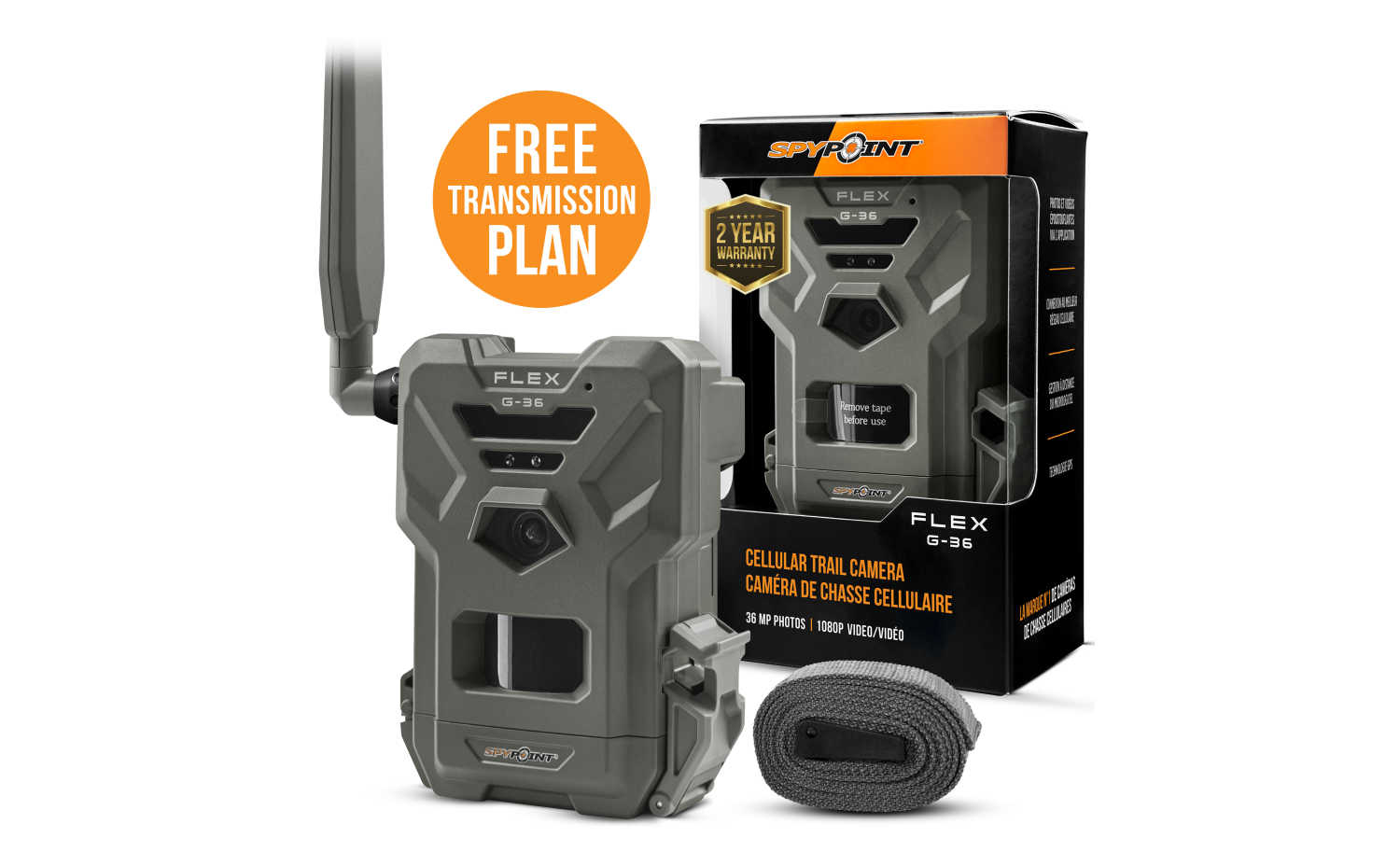
FLEX G-36
Cellular Trail Camera
- Version: V2.8.0-10
- Date: 2025-11-20
- Improvements:
- This firmware fixes the black picture issue during sync and improves daytime image exposure.
Installation instructions (PC)
- Press the “Download file” button.
- Save the .zip file on your computer.
- Put a MicroSD card into the computer that was previously formatted with your FLEX.
- Unzip the .zip file.
- Copy and paste “Update.tar.xz” into the biggest partition of the MicroSD card. Warning: don’t rename it, or double-click on it. Tip: if you are unsure about the partition, you can put the firmware in both files. It will work.
- Eject the MicroSD card, then insert it into the turned-off camera.
- Turn on the camera, and the status will turn orange, indicating the firmware installation.
- Your camera is ready when all lights are off.
Installation instructions (MAC)
- Press the “Download file” button.
- Save the .zip file on your computer.
- Put a MicroSD card into the computer that was previously formatted with your FLEX.
- Unzip the .zip file.
- Copy and paste “Update.tar.xz” into the biggest partition of the MicroSD card. Warning: don’t rename it, or double-click on it. Tip: if you are unsure about the partition, you can put the firmware in both files. It will work.
- Eject the MicroSD card, then insert it into the turned-off camera.
- Turn on the camera, and the status will turn orange, indicating the firmware installation.
- Your camera is ready when all lights are off.
Verification
Confirm the update was successful1. After the next transfer of the camera, access the “Status” tab in the SPYPOINT app.
2. Under “General Information”, the latest version number will appear.
If you do not have the correct version, redo the firmware update with another Micro SD card.


