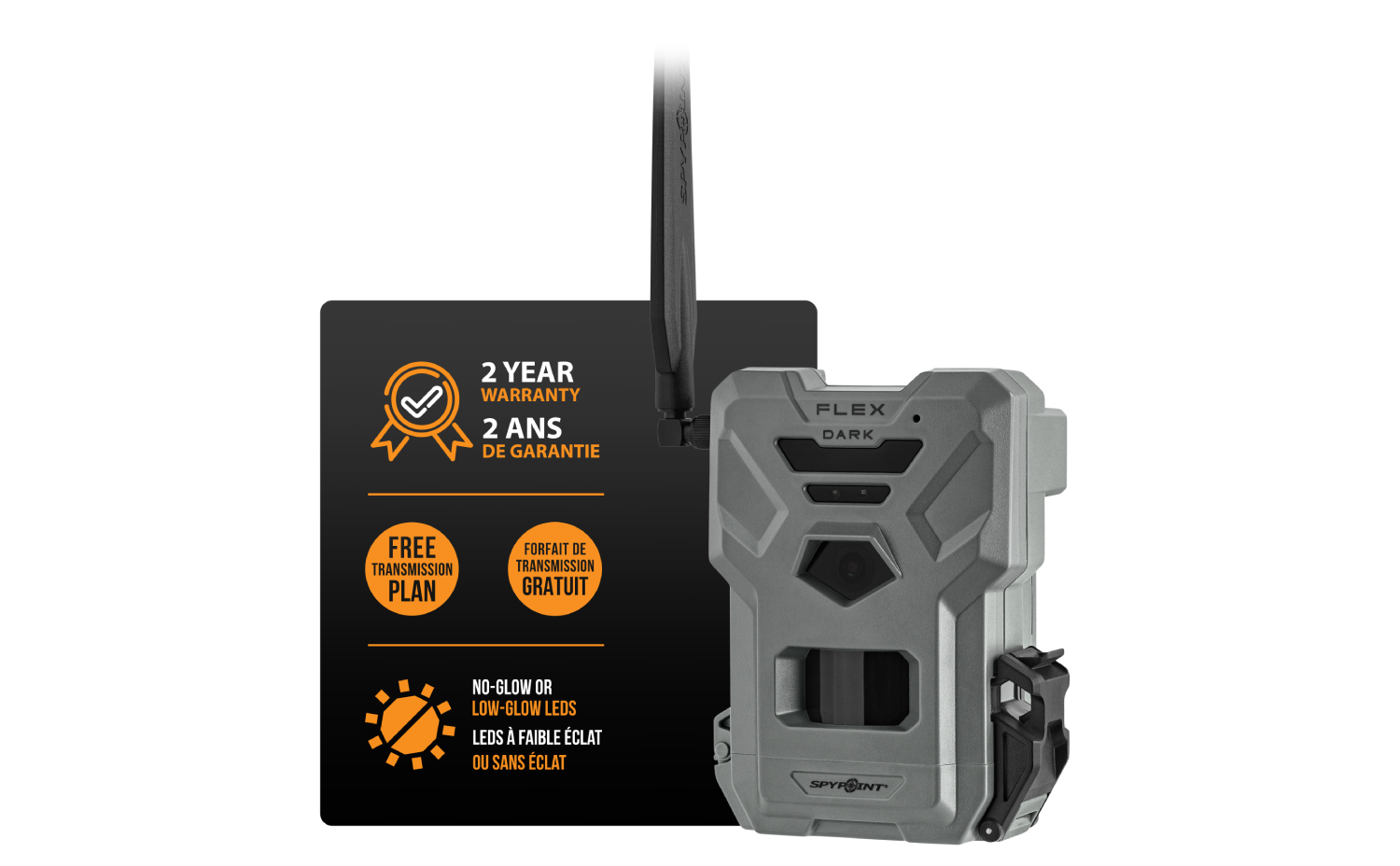
FLEX-DARK
UNDERCOVER SCOUTING
- Version: V1.4.0-10
- Date: 2025-11-20
- Improvements:
- This firmware fixes the black picture issue during sync and improves daytime image exposure.
Installation instructions (PC)
- Press the “Download file” button.
- Save the .zip file on your computer.
- Put a MicroSD card into the computer that was previously formatted with your FLEX.
- Unzip the .zip file.
- Copy and paste “Update.tar.xz” into the biggest partition of the MicroSD card. Warning: don’t rename it, or double-click on it. Tip: if you are unsure about the partition, you can put the firmware in both files. It will work.
- Eject the MicroSD card, then insert it into the turned-off camera.
- Turn on the camera, and the status will turn orange, indicating the firmware installation.
- Your camera is ready when all lights are off.
Installation instructions (MAC)
- Press the “Download file” button.
- Save the .zip file on your computer.
- Put a MicroSD card into the computer that was previously formatted with your FLEX.
- Unzip the .zip file.
- Copy and paste “Update.tar.xz” into the biggest partition of the MicroSD card. Warning: don’t rename it, or double-click on it. Tip: if you are unsure about the partition, you can put the firmware in both files. It will work.
- Eject the MicroSD card, then insert it into the turned-off camera.
- Turn on the camera, and the status will turn orange, indicating the firmware installation.
- Your camera is ready when all lights are off.