Firmware update
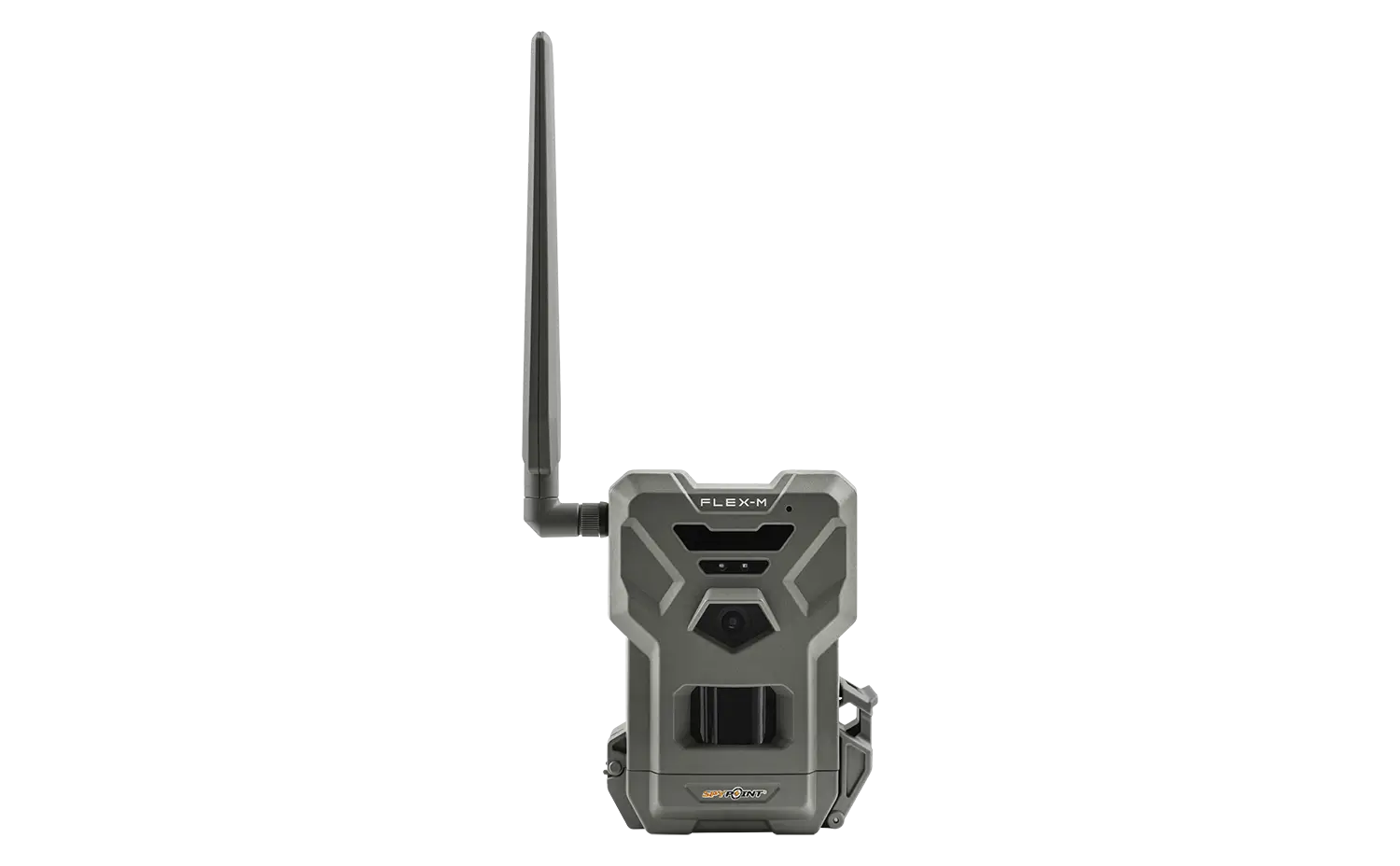
FLEX-M
THE BEST VALUE IN CELLULAR TRAIL CAMERAS
- Version: 1.6.0-10-gc44abe5
- Date: 2026-06-19
To ensure optimal performance, carefully select the correct firmware region. An incorrect choice may lead to malfunction.
Installation instructions (PC)
- Make sure to use a Micro SD card class 10/U1 up to 512 GB.
- Format the Micro SD card on a computer in FAT32.
- Download the update file at the top of this page.
- Open the downloaded .zip file by double-clicking on it.
- Copy the 2 files from the .zip file onto the Micro SD card. Note: if your Micro SD card has been FORMATTED with the camera before, you will have two partitions, you will need to copy the two files into the biggest partition.
- Check the copy has been successful on your Micro SD card.
- Eject the Micro SD card from the computer.
- Make sure the camera is turned OFF.
- Insert the Micro SD card into the camera.
- Power ON the camera.
- The FLEX-M will run the firmware update by itself for around 5 minutes.
- Then, the camera will go through the connection process.
- The FLEX-M firmware is up-to-date.
Installation instructions (MAC)
- Make sure to use a Micro SD card class 10/U1 up to 512 GB.
- Format the Micro SD card on a computer in FAT32.
- Download the update file at the top of this page.
- Open the downloaded .zip file by double-clicking on it.
- Copy the 2 files from the .zip file onto the Micro SD card. Note: if your Micro SD card has been FORMATTED with the camera before, you will have two partitions, you will need to copy the two files into the biggest partition.
- Check the copy has been successful on your Micro SD card.
- Eject the Micro SD card from the computer.
- Make sure the camera is turned OFF.
- Insert the Micro SD card into the camera.
- Power ON the camera.
- The FLEX-M will run the firmware update by itself for around 5 minutes.
- Then, the camera will go through the connection process.
- The FLEX-M firmware is up-to-date.
Verification
Confirm the update was successful1. Once all the lights are off on the FLEX-M, press the TEST button.
2. Once the STATUS light is off, access the "Status" tab in the SPYPOINT app.
2. Under "General Information", check the firmware version.
If you do not have the correct version, redo the firmware update with another Micro SD card.


